Business Process Automation: What to Automate First (Quick Wins List)
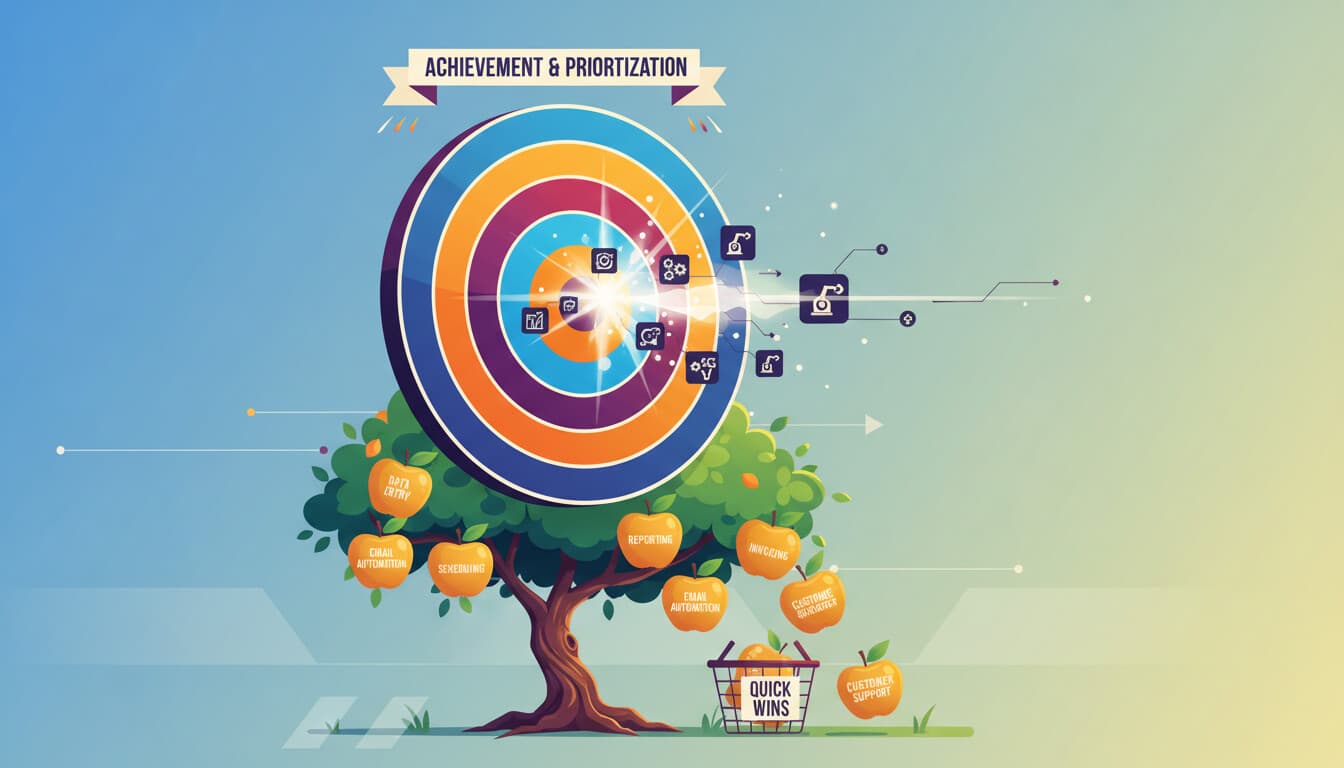
Everyone agrees that business process automation is valuable. But when you look at all the processes in your business, figuring out where to start feels paralyzing. Should you tackle the big, complex processes or start with something simpler?
Start with quick wins. Automations that take hours to implement, not weeks. That deliver visible results fast. That build confidence and momentum for bigger projects.
Here are 15 quick wins, sorted by how fast you can implement them.
Implementation Time: Under 1 Hour
These automations can be running before your next meeting.
1. New Lead Notification
What it does: When someone fills out a contact form or lead magnet, you get an instant notification with their details.
Why it matters: Leads that get contacted within 5 minutes are 21x more likely to convert than leads contacted after 30 minutes. Instant notifications make fast response possible.
How to set it up: Connect your form tool (Typeform, Google Forms, website forms) to Slack or email via Zapier/Make. When form submits, send message with form data. See how to turn website leads into CRM contacts for the full workflow.
Time to implement: 15-30 minutes
Expected impact: Faster lead response, higher conversion rates
2. Calendar Event Reminders
What it does: Before meetings, automatically send yourself (and optionally attendees) reminders with relevant context like meeting notes, related documents, or prep tasks.
Why it matters: You stop walking into meetings unprepared. Attendees show up ready.
How to set it up: Connect Google Calendar or Outlook to your notification channel. Trigger 1 hour or 1 day before events matching certain criteria.
Time to implement: 20 minutes
Expected impact: Better meeting preparation, fewer "what was this meeting about?" moments
3. Daily Standup Prompt
What it does: At a set time each day, posts a message asking team members to share their status, plans, or blockers.
Why it matters: Async standups work better for distributed teams and don't require everyone to be available at the same time.
How to set it up: Scheduled Slack/Teams message that posts daily at 9am (or whenever). Can use native scheduling or automation tools.
Time to implement: 10 minutes
Expected impact: Consistent team communication without synchronous meetings
4. Social Media Mention Alerts
What it does: When someone mentions your company or relevant keywords on social media, you get notified.
Why it matters: You can respond to customer feedback, complaints, or opportunities in near real-time instead of missing them entirely.
How to set it up: Use a social listening tool (Mention, Brand24) or native platform notifications routed to your preferred channel.
Time to implement: 30 minutes
Expected impact: Faster social response, better customer engagement, catch PR issues early
Implementation Time: 1-2 Hours
Slightly more complex but still afternoon projects.
5. Email to Task Conversion
What it does: Forward or tag emails that require action, and they automatically become tasks in your task management system.
Why it matters: Email becomes a black hole where action items get lost. This ensures nothing falls through.
How to set it up: Connect email to Asana/Todoist/Monday. Forward to a specific address or use a label trigger to create tasks.
Time to implement: 1 hour
Expected impact: Fewer missed action items, cleaner inbox
6. Invoice Received Alert and Tracking
What it does: When invoices arrive via email, automatically log them in a tracking spreadsheet and notify the appropriate person.
Why it matters: Invoices get lost in inboxes, leading to late payments and damaged vendor relationships.
How to set it up: Filter emails with "invoice" in subject or attachment name. Extract key data (sender, date). Add row to Google Sheets. Send notification.
Time to implement: 1.5 hours
Expected impact: No lost invoices, better AP visibility
7. Contract Signature Completed Actions
What it does: When a contract is signed (in DocuSign, PandaDoc, etc.), trigger a series of actions: notify the team, create a project, update the CRM.
Why it matters: The transition from "closed deal" to "active project" often involves manual steps that delay getting started.
How to set it up: Connect e-signature platform to your other tools. When document completed, trigger actions in CRM, project management, and notifications.
Time to implement: 1.5 hours
Expected impact: Faster project kickoff, no manual status updates needed
8. Customer Feedback to Spreadsheet
What it does: Automatically collect all customer feedback (from forms, reviews, support tickets, emails) into a central spreadsheet for analysis.
Why it matters: Feedback scattered across systems is feedback that never gets analyzed.
How to set it up: Connect feedback sources to a Google Sheet. Use AI to categorize and extract sentiment if available.
Time to implement: 1-2 hours depending on sources
Expected impact: Centralized feedback database, easier trend identification
Implementation Time: 2-4 Hours
Still quick wins, but require a bit more planning.
9. New Customer Welcome Sequence
What it does: When someone becomes a customer, automatically send a welcome email, create their account in necessary systems, add them to the right lists, and notify their assigned team member.
Why it matters: Consistent onboarding improves retention. Manual onboarding is inconsistent and easy to skip steps.
How to set it up: Trigger on new customer in CRM or payment received. Chain actions: welcome email, CRM updates, team notification, calendar task for check-in.
Time to implement: 2-3 hours
Expected impact: Consistent onboarding, better first impressions, nothing forgotten
10. Weekly Report Generation
What it does: Every Friday afternoon, automatically pull data from various sources and compile it into a report that gets emailed to the team.
Why it matters: Someone on your team probably spends hours each week manually pulling together data. This eliminates that work.
How to set it up: Scheduled automation that queries your data sources (CRM, analytics, spreadsheets), formats results, and sends via email.
Time to implement: 3-4 hours depending on data sources
Expected impact: 2-4 hours saved weekly, more consistent reporting
11. Support Ticket Categorization and Routing
What it does: When a support ticket comes in, automatically categorize it based on content and route it to the right team or person.
Why it matters: Manual triage takes time and introduces delays. Wrong routing wastes everyone's time.
How to set it up: Connect help desk to automation platform. Use keyword matching or AI classification to categorize. Update ticket fields and assign based on rules.
Time to implement: 2-3 hours
Expected impact: Faster ticket routing, less manual triage work
12. Proposal Follow-Up Sequence
What it does: After sending a proposal, automatically follow up at set intervals if no response is received.
Why it matters: Sales people forget to follow up. Consistent follow-up dramatically improves close rates.
How to set it up: Trigger on proposal sent. Wait 3 days. Check if opportunity status changed. If not, send follow-up email. Repeat with increasing intervals.
Time to implement: 2 hours
Expected impact: Improved proposal conversion, no forgotten follow-ups
Implementation Time: Half Day
Invest a morning and see results by end of day.
13. Lead Scoring and Prioritization
What it does: Automatically score incoming leads based on criteria like company size, industry, behavior, and budget. High-score leads get priority treatment.
Why it matters: Your sales team wastes time on leads that will never convert. Scoring focuses effort on the right opportunities.
How to set it up: Define scoring criteria (form fields, company data, engagement). Create automation that calculates score when lead enters. Tag or route based on score.
Time to implement: 4-5 hours
Expected impact: Higher conversion rates, better use of sales time. For a deeper dive, see how to use AI to qualify leads before sales calls.
14. Document Organization and Filing
What it does: When documents arrive (contracts, invoices, reports), automatically organize them in the right folders with consistent naming.
Why it matters: Finding documents becomes impossible when filing is inconsistent. This ensures everything ends up in the right place.
How to set it up: Define folder structure and naming conventions. Create automation that identifies document type and moves/renames accordingly.
Time to implement: 4-5 hours
Expected impact: Documents always findable, no manual filing
15. Customer Health Monitoring
What it does: Regularly check customer engagement signals (login frequency, support tickets, payment status) and flag at-risk accounts for attention.
Why it matters: Churn is preventable if you catch warning signs early. Manual monitoring doesn't scale.
How to set it up: Define health score criteria. Create scheduled automation that evaluates each customer and updates health status. Alert team to declining accounts.
Time to implement: 4-5 hours
Expected impact: Earlier intervention on at-risk customers, reduced churn
Prioritizing Your Quick Wins
All 15 of these are valuable, but you can't do them all at once. Here's how to prioritize.
Highest priority: Automations that address problems you're actively experiencing. If leads are getting lost, do lead notifications first. If invoices are chaos, start there.
Quick confidence builders: Start with the fastest implementations. Success builds momentum and teaches you the tools.
Highest ROI: Calculate time saved per week times 52 weeks. Compare to implementation time. Focus on the biggest multipliers.
Dependencies: Some automations work better after others are in place. Lead scoring is more valuable if you already have lead notifications working.
What Comes After Quick Wins
Quick wins are the starting point, not the destination. After you've implemented several:
Document what you've built. Future you will need to understand and maintain these automations.
Measure the results. Are they delivering the expected impact? What could be improved?
Look for connections. Can you link quick wins into larger workflows? The lead notification could feed into lead scoring which feeds into follow-up sequences.
Identify the next level. What bigger processes could benefit from the skills you've developed?
Quick wins prove the value of automation and teach you the tools. They're not the end goal. They're the foundation for more substantial improvements.
Need Help Implementing?
These quick wins are designed to be DIY-friendly. But if you're short on time or want to move faster, we can help implement them (often in a single day) and set you up for continued success.
See our automation examples or get in touch to discuss which quick wins would have the biggest impact for your specific situation.