Workflow Automation for Small Business: The Complete Guide
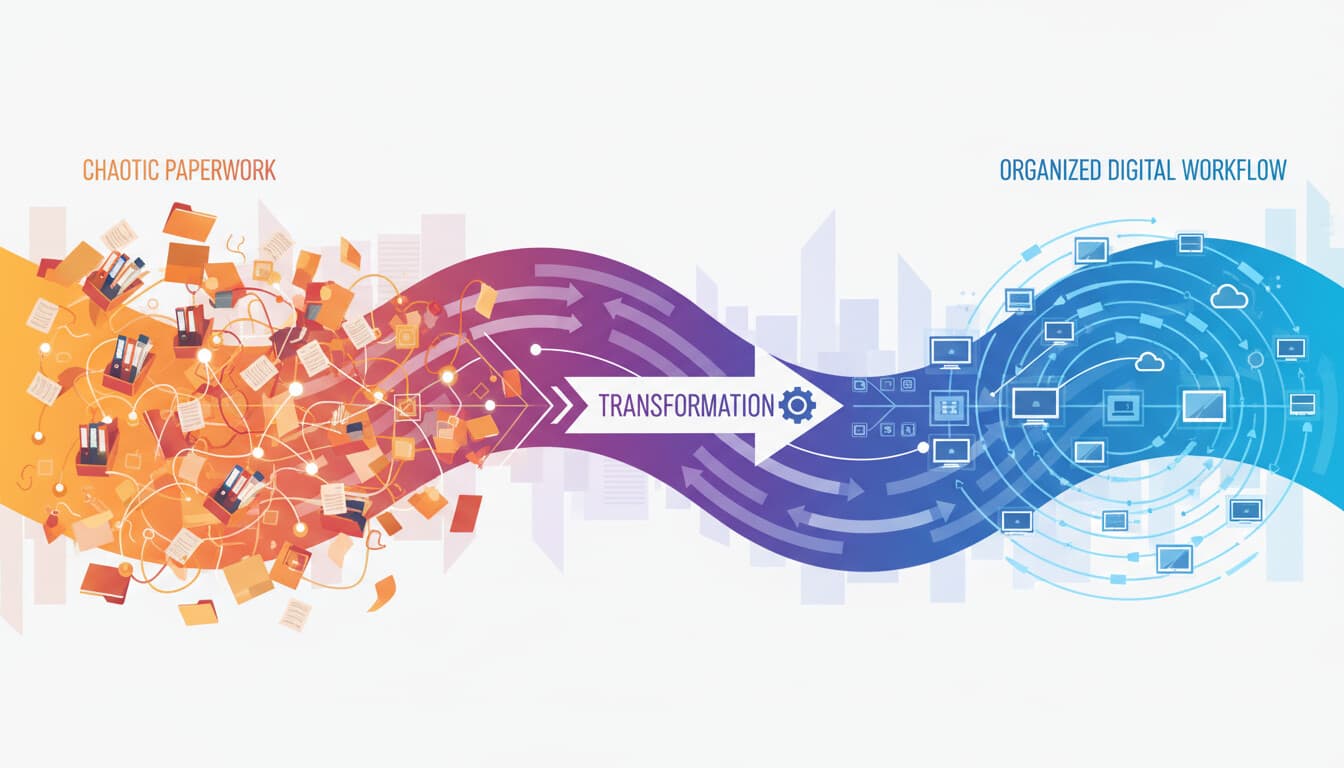
Your team probably spends 30-40% of their time on tasks that could be automated. That's not a made-up number. Studies consistently show that routine, repetitive work consumes about a third of working hours across small businesses.
Workflow automation can reclaim much of that time. Not all of it, but enough to matter. This guide covers everything small businesses need to know: what workflows to automate, how to do it, and how to avoid the common mistakes that derail these projects.
What Workflow Automation Actually Is
A workflow is a sequence of steps that moves work from start to finish. When a customer places an order, there's a workflow: receive the order, confirm payment, update inventory, notify fulfillment, ship the item, send tracking info.
Workflow automation means software handles some or all of those steps without human intervention. The order comes in, and systems automatically do what humans used to do manually.
This isn't about eliminating jobs. It's about eliminating the tedious parts of jobs so people can focus on work that requires judgment, creativity, and human connection. Your customer service rep shouldn't spend time copying order numbers between systems. They should spend time actually helping customers.
The Best Workflows to Automate
Not everything should be automated. Here's how to identify good candidates.
High-Volume Repetitive Tasks
If a task happens dozens or hundreds of times daily and follows the same basic pattern, it's a prime candidate. Examples include data entry between systems, sending confirmation emails, updating records based on triggers, and routing requests to the right person.
The more volume, the more automation pays off.
Manual Data Movement
Any time someone copies information from one system to another, that's automation potential. A customer fills out a form and someone enters that information into the CRM, then creates a task in the project management system, then sends a confirmation email. All of that can be automated.
Scheduled Activities
Tasks that happen on a schedule are easy to automate because the trigger is predictable. Weekly reports, monthly invoices, daily backups, regular reminders. Set them up once and they run forever.
Approval Workflows
Expense reports, time off requests, purchase orders, content review. Any process where something needs approval from someone can be automated to route properly, send reminders, and track status.
Customer Communication Sequences
Welcome emails, onboarding sequences, follow-up reminders, feedback requests. Any communication that follows a pattern based on customer actions or timing.
Workflows You Probably Shouldn't Automate
Some things are better left to humans.
High-stakes decisions. Firing someone, approving a large contract, responding to a legal complaint. Automation can gather information and present options, but humans should make consequential decisions.
Highly variable situations. If every instance is different and requires judgment, automation becomes too complex to maintain. It's not that you can't automate it; it's that the maintenance cost exceeds the benefit.
Relationship-dependent work. Key account management, sensitive customer issues, negotiation. These require human empathy and relationship building.
Tasks done infrequently. If something happens twice a year, the time to automate it probably exceeds the time it takes to just do it manually.
Step-by-Step Implementation
Here's a practical approach to implementing workflow automation.
Step 1: Map Your Current Process
Before automating anything, document how the work currently happens. Talk to the people who do the work. Watch them do it. Write down every step, including the workarounds and exceptions.
Most businesses are surprised by how complex their "simple" processes really are when documented in detail.
What to capture: Every action taken, every system touched, every decision point, how exceptions are handled, how long each step takes, and who's responsible for what.
Step 2: Identify Automation Opportunities
Look at your documented process and identify which steps could be automated. Consider triggers (what starts the workflow), actions (what happens), and conditions (what determines different paths).
Flag the steps that are repetitive and follow rules, take significant time, are prone to error, and don't require human judgment.
Step 3: Choose Your Tool
Based on your needs, select an appropriate automation tool. Zapier works for simple connections between popular apps. Make handles more complex logic and data manipulation. Power Automate fits Microsoft-heavy environments. n8n suits technical teams who want maximum flexibility.
Match the tool to your technical comfort level and specific requirements. For a detailed comparison, see our Zapier vs Make vs n8n guide.
Step 4: Build Simply First
Start with the most basic version of your automation. Get the core path working before handling edge cases. A workflow that handles 80% of situations well is more valuable than one that tries to handle 100% and works unreliably.
You can always add complexity later.
Step 5: Test Thoroughly
Run through your automation with real data. Test normal cases. Test edge cases. Test what happens when things go wrong. Check that data flows correctly to all systems.
Automation failures can be worse than no automation because they can create problems at scale.
Step 6: Monitor and Measure
After launch, actively monitor the automation. Set up alerts for failures. Track the metrics that matter: time saved, error rates, completion rates.
Many automations fail silently. Regular monitoring catches problems before they accumulate.
Step 7: Iterate and Improve
Based on monitoring, improve the automation over time. Add handling for edge cases you discover. Tune the timing. Fix issues that emerge. No automation is perfect at launch.
Common Workflow Automation Examples
Here are workflows that work well across many small businesses.
Lead Capture to CRM
Trigger: Form submission on website Actions: Create contact in CRM, add to appropriate list based on form answers, send personalized welcome email, notify sales rep if high-value indicators present, create follow-up task
This ensures every lead gets captured and no one falls through the cracks.
Customer Onboarding
Trigger: New customer signs up or purchase completes Actions: Send welcome email sequence (day 1, 3, 7), create account in relevant systems, assign to customer success rep, schedule check-in call, add to appropriate communication lists
Consistent onboarding improves retention and reduces support requests.
Invoice Processing
Trigger: Invoice received via email Actions: Extract invoice data using AI, match to purchase order, route for approval if over threshold, enter into accounting system, schedule payment
Reduces AP processing time significantly. For more on this, see automating invoices with QuickBooks.
Support Ticket Routing
Trigger: New support request received Actions: Analyze content to determine category and urgency, check if customer has open tickets, route to appropriate team member, send acknowledgment with expected response time, create tasks for follow-up if not resolved within SLA
Faster routing means faster resolution. For more details, see how to automate support tickets.
Weekly Reporting
Trigger: Scheduled (every Monday morning) Actions: Pull data from sales system, marketing platform, and financial systems. Format into report template. Send to leadership team. Archive in shared drive.
Eliminates manual report compilation.
Tools for Building Automated Workflows
No-Code Platforms
Zapier: The most accessible option. 6,000+ app connections. Easy interface. Gets expensive at scale.
Make: More powerful than Zapier. Better for complex logic. Steeper learning curve.
Monday.com, Asana, ClickUp: These project management tools have built-in workflow automation for processes within their platforms.
Low-Code Platforms
Power Automate: Microsoft's automation tool. Works exceptionally well with Microsoft products. Available if you have Microsoft 365.
n8n: Open-source, self-hostable, highly flexible. Requires more technical knowledge.
Business-Specific Automation
HubSpot Workflows: For marketing and sales automation within HubSpot.
Salesforce Flow: For Salesforce-centric automation.
QuickBooks Automation: For accounting-specific workflows.
Measuring Automation Success
How do you know if automation is working? Track these metrics.
Time saved: Compare time spent on the process before and after automation. Be specific and measure actual time, not estimates.
Error rates: Are there fewer mistakes? Automation should reduce data entry errors, missed steps, and human oversight.
Completion rates: Are more tasks actually getting finished? If follow-ups weren't happening consistently before, are they now?
Employee satisfaction: Ask the people whose work changed. Are they happier spending less time on tedious tasks? Or are they frustrated by automation quirks?
Cost impact: Calculate the actual financial impact. Hours saved times hourly cost, minus tool costs, minus time spent maintaining automation.
Common Mistakes to Avoid
Automating a broken process. If the underlying process doesn't work well, automating it just creates faster problems. Fix the process first.
Building without documentation. Six months from now, someone will need to understand how the automation works. Document it from the start.
Ignoring exceptions. The happy path is easy. The exceptions cause problems. Plan for what happens when the automation can't handle a situation.
Over-automating. Not everything needs automation. If it's not saving meaningful time or reducing errors, don't automate it.
No fallback plan. What happens when the automation fails? Have a manual backup process.
Set and forget. Automations need maintenance. Systems change, requirements evolve, bugs emerge. Schedule regular reviews.
Getting Started Today
Pick one workflow. The one that annoys your team most, wastes the most time, or causes the most errors. Map it. Identify what can be automated. Build the simplest version. Then expand from there.
Workflow automation is incremental. You don't transform everything overnight. You improve one process, learn from it, and improve another.
If you want help identifying the right workflows to automate or building automations that work reliably, see how we approach automation or reach out to discuss your situation. We'll help you find the highest-impact opportunities and implement them properly.