AI Chatbot for Business: What It Can Do + Best Use Cases
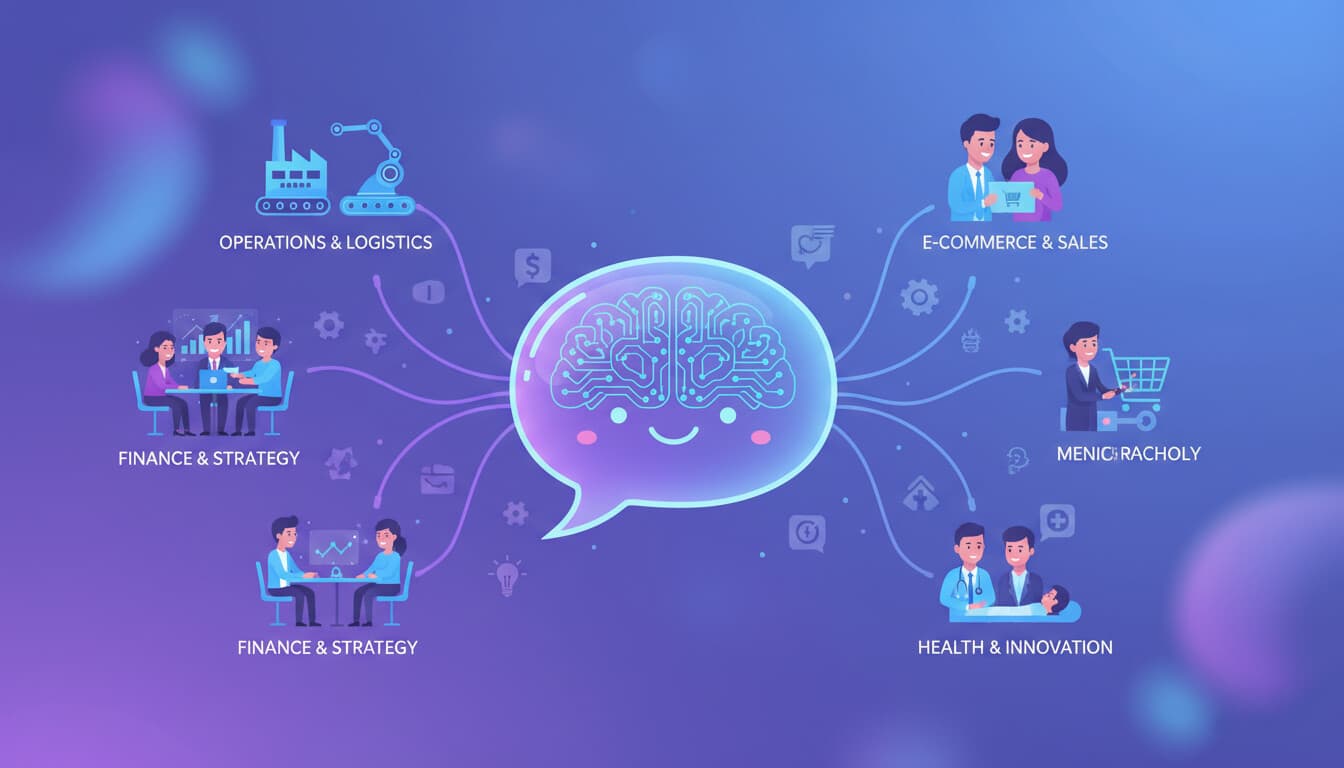
AI chatbots have changed dramatically. The frustrating, useless bots of a few years ago have given way to genuinely capable systems that can handle real conversations and real business tasks.
But there's still a lot of hype. Vendors oversell capabilities. Businesses expect magic and get disappointment. This guide covers what AI chatbots for business can actually do in 2026, where they work well, and where they still fall short.
What Modern AI Chatbots Can Do
The AI chatbots available today are fundamentally different from the keyword-matching bots of the past. Here's what's changed.
Natural Language Understanding
Modern chatbots understand language the way humans do. "Where's my order" and "I haven't received my package yet" and "tracking info please" all mean the same thing, and the bot knows it. Typos, grammatical errors, and unusual phrasing don't break the conversation.
This sounds basic, but it's transformative. Users can talk naturally instead of trying to guess the magic words.
Context and Memory
Today's chatbots remember the conversation. If you mention your order number in message one and ask about delivery in message three, the bot connects them. It tracks what's been discussed, what questions were answered, and what's still unresolved.
Good systems also remember across conversations. If you contacted support last week about an issue, the bot knows about that history when you return.
System Integration
AI chatbots can take actions, not just provide information. They can check your order status (by actually looking it up, not just explaining how to find it), process returns, update account information, schedule appointments, and more.
This requires proper integration with your business systems, but when done well, the chatbot becomes a capable self-service interface.
Judgment and Escalation
The best chatbots know their limits. They recognize when a customer is frustrated, when an issue is too complex, or when human judgment is needed. Instead of providing bad answers to hard questions, they escalate intelligently with full context.
This might be the most important improvement. Chatbots that don't know when to stop are worse than no chatbot at all.
Best Use Cases for AI Chatbots
Chatbots aren't equally good at everything. Here's where they excel.
High-Volume FAQ Handling
If you answer the same 50 questions repeatedly, a chatbot should handle most of them. Order status, return policies, pricing questions, how-to guidance, account information. These predictable, repeatable inquiries are perfect for AI.
A chatbot trained on your specific business information can answer these questions accurately, instantly, and 24/7.
Appointment Scheduling
Booking, rescheduling, and canceling appointments involves back-and-forth that AI handles well. The chatbot can show available times, handle preferences, confirm details, send reminders, and manage changes.
Service businesses (medical, legal, salons, repair services) see strong ROI from scheduling chatbots.
Lead Qualification
When prospects reach out, a chatbot can gather initial information: what they're looking for, company size, budget, timeline. It can answer basic questions about your offerings and route qualified leads to sales with full context.
This ensures every lead gets immediate attention while your team focuses on prospects who are ready to buy. For a detailed walkthrough, see how to use AI to qualify leads before sales calls.
Order Support
Order tracking, delivery updates, modification requests, basic returns. The information needed to handle these requests lives in your systems. A well-integrated chatbot can access it and serve customers faster than humans could.
Technical Troubleshooting
For products with common technical issues, chatbots can walk users through troubleshooting steps. Reset instructions, configuration guidance, compatibility checks. If the guided steps don't resolve the issue, the bot escalates with information about what was already tried.
Employee Self-Service
Internal chatbots help employees with HR questions, IT issues, policy lookups, and administrative tasks. Instead of emailing HR about vacation policies or creating IT tickets for password resets, employees get instant answers from a bot.
Where Chatbots Still Struggle
Knowing the limitations is as important as knowing the capabilities.
Complex Problem-Solving
Multi-factor problems that require investigation and judgment remain difficult. If a customer's issue involves multiple orders, past promises, and unusual circumstances, a chatbot will struggle to piece it all together.
These situations need humans. The best chatbot strategy ensures they get there quickly.
Emotional Situations
Angry customers, sensitive issues, and situations requiring empathy are better handled by humans. AI can recognize emotional language and escalate, but it can't genuinely empathize or exercise the judgment that delicate situations require.
Creative Requests
Anything outside the expected range of interactions will challenge a chatbot. Unusual requests, creative problem-solving, exceptions to normal policies. Chatbots handle predictable variance well but struggle with true novelty.
Sales Conversations
While chatbots handle qualification well, the actual selling (building relationships, handling objections, negotiating, closing) remains human territory. Chatbots can support sales but shouldn't try to replace salespeople.
Evaluating If You Need a Chatbot
Not every business benefits equally from chatbots. Consider these factors.
Volume Matters
If you handle 10 customer inquiries daily, automation savings are minimal. If you handle 200+, the math changes dramatically. Chatbots make most sense when volume justifies the investment.
Calculate your current inquiry volume and what percentage could potentially be handled by a chatbot.
Question Predictability
What percentage of your inquiries are predictable, repeatable questions? If 70% of customer contacts are variations of the same 30 questions, a chatbot will have high impact. If every inquiry is unique and complex, the opportunity is smaller.
System Readiness
Chatbots that can only provide information are less valuable than chatbots that can take action. How well-integrated are your systems? Can a chatbot actually check order status, update accounts, and process requests? Or would it be limited to pointing users toward information?
Response Time Expectations
If your customers expect instant responses (e-commerce, consumer services), chatbots provide immediate value. If response time is less critical (B2B, complex services), the urgency is lower.
Current Support Costs
What are you spending on customer support today? Chatbots should reduce that spending or allow the same team to handle more volume. If support costs are already minimal, savings will be limited.
Implementation Approaches
Several paths exist for getting a chatbot running.
Platform Built-Ins
Many help desks and CRM systems now include AI chatbot features. Intercom Fin, Zendesk AI, Freshdesk Freddy. If you're already on one of these platforms, starting with their built-in AI is the path of least resistance. For setup guidance, see our customer support chatbot setup guide.
Pros: Easy to implement, works with your existing data and workflows. Cons: Quality varies, you're locked to that platform.
Chatbot-Specific Platforms
Dedicated platforms like Tidio, Drift, or ChatBot.com focus entirely on chatbot functionality. They offer more customization than built-in features.
Pros: More features and flexibility than built-ins. Cons: Another tool to integrate and manage.
Custom Development
For unique requirements or deep integration needs, custom chatbot development may be appropriate. Build exactly what you need using AI APIs and your own infrastructure.
Pros: Maximum flexibility and control. Cons: Higher cost, longer timeline, ongoing maintenance.
Hybrid Approaches
Many businesses combine approaches: a platform chatbot for front-line handling with custom integrations for specific use cases.
Measuring Chatbot Success
Define success metrics before implementation.
Resolution rate: What percentage of conversations does the chatbot fully resolve without human involvement?
Deflection rate: How many inquiries that would have become support tickets are handled by the chatbot?
Customer satisfaction: How do customers rate their chatbot interactions? This is often lower than human interactions, which is acceptable if resolution rates are high.
Response time: How quickly do customers get answers through the chatbot versus previous channels?
Cost per interaction: What's the total cost (subscription, maintenance, human backup) per chatbot conversation? For more on chatbot costs, see our AI chatbot development cost guide.
Escalation quality: When the chatbot escalates, does it provide useful context? Do human agents feel the escalations are appropriate?
Set baseline measurements before launching so you can track impact accurately.
Common Mistakes to Avoid
Overscoping the launch. Don't try to handle everything on day one. Start with your highest-volume, most predictable use cases. Expand as you learn.
Inadequate training data. Chatbots need to learn your specific business, products, and customers. Invest in proper training using your actual conversations and documentation.
Hiding the human option. Making it hard to reach a human when the chatbot can't help frustrates customers. Easy escalation paths should always be available.
Ignoring the feedback. Monitor chatbot conversations. Review what it's getting wrong. Continuously improve based on real performance, not assumptions.
Expecting perfection. Even good chatbots make mistakes. Plan for errors, set appropriate expectations, and have recovery paths.
Getting Started
If you're considering an AI chatbot for your business, start with these steps.
-
Audit your current inquiries. What questions come in most frequently? What percentage could a chatbot handle?
-
Evaluate your existing tools. Does your current help desk or CRM offer AI capabilities?
-
Define your success metrics. What does a successful chatbot look like for your business?
-
Start small. Pick one use case (order status, appointment scheduling, basic FAQs) and implement well before expanding.
We help businesses implement AI chatbots that actually work. If you want to explore what a chatbot could do for your specific situation, see our solutions or reach out to discuss. We'll give you an honest assessment of the opportunity and what it would take.