Customer Support Automation: 12 Ways to Reduce Tickets With AI
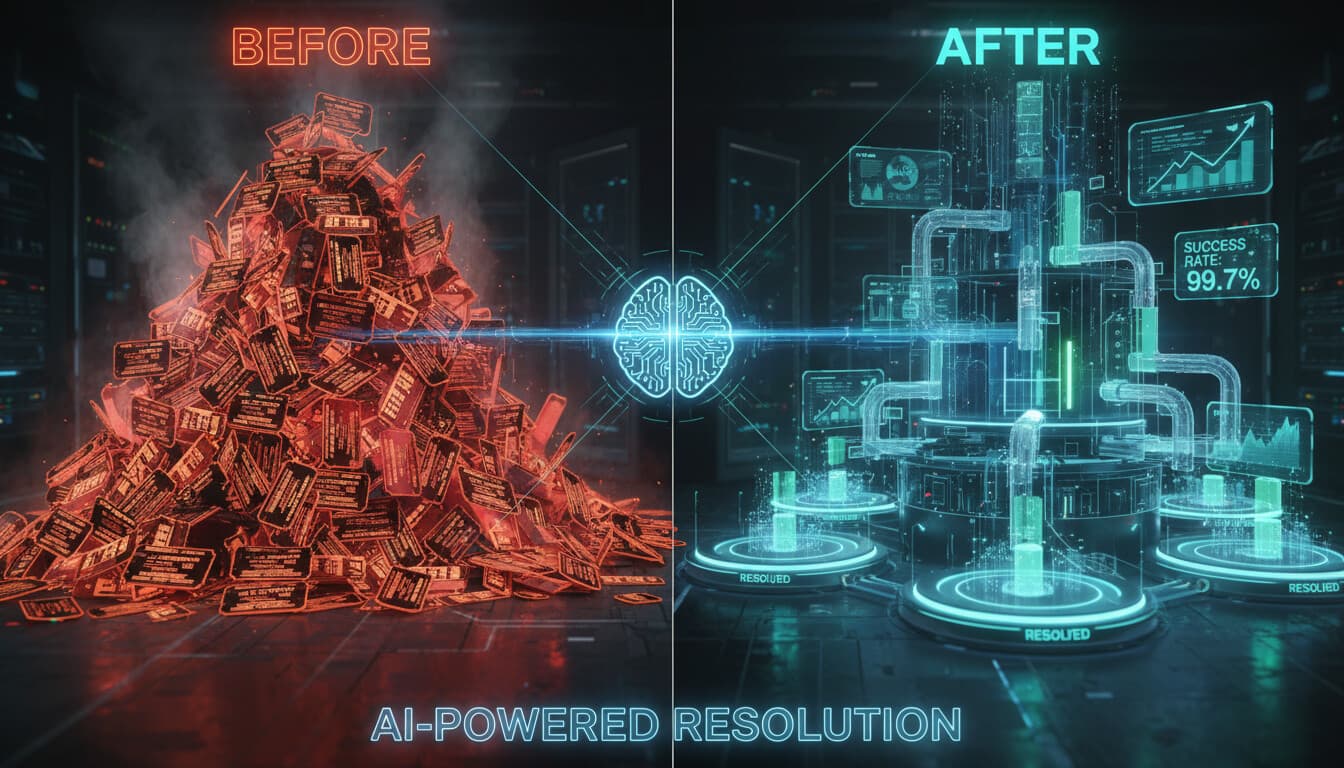
Support teams are drowning. Ticket volumes grow while budgets don't. Hiring more agents isn't sustainable. The answer isn't working harder. It's reducing the number of tickets that need human attention in the first place.
Customer support automation, done right, deflects tickets before they're created, resolves simple issues instantly, and frees your team to handle the complex stuff that actually needs them.
Here are 12 specific ways to reduce ticket volume using AI automation.
1. AI Chatbot for Tier-1 Questions
The approach: Deploy an AI chatbot that handles the predictable questions that make up the bulk of support volume. Order status, return policies, how-to guidance, account information.
Why it works: For most businesses, 50-70% of support inquiries are variations of the same 30-50 questions. These are perfect for AI because they're repetitive, have clear answers, and don't require judgment.
Implementation notes: Train the chatbot on your actual customer conversations and documentation. Don't use generic training. The chatbot should know your products, policies, and common issues specifically.
Start with a limited scope and expand. Better to handle 20 question types excellently than 100 types poorly. For detailed setup instructions, see our customer support chatbot setup guide.
Expected impact: 40-65% of applicable inquiries deflected from human agents.
2. Intelligent Ticket Routing
The approach: Use AI to categorize and route incoming tickets to the right person or team automatically. No more manual triage.
Why it works: Manual triage takes time and introduces delays. AI routing is instant and consistent. It can evaluate the content, determine urgency, check customer history, and assign appropriately.
When tickets reach the right person immediately, resolution is faster and fewer transfers happen (transfers frustrate customers and consume extra agent time).
Implementation notes: Define your routing rules clearly. Which issues go where? What determines priority? Then train the AI to classify accordingly.
Build in escalation paths for high-value customers, urgent issues, or repeat contacts.
Expected impact: 20-30% reduction in average handle time. Faster first response.
3. Proactive Status Updates
The approach: Automatically notify customers about order status, service updates, and issue progress before they ask.
Why it works: A huge portion of "where's my order" tickets happen because customers don't have visibility. If you tell them proactively when their order ships, when it's delayed, when it's out for delivery, they don't need to ask.
Implementation notes: Map the customer journey and identify information gaps. Where are customers most likely to have questions? Add automated updates at those points.
Include tracking links and self-service options in updates so customers can get more information without contacting support.
Expected impact: 25-40% reduction in status inquiry tickets.
4. Self-Service Knowledge Base With AI Search
The approach: Create a comprehensive knowledge base and use AI-powered search so customers can find answers themselves.
Why it works: Many customers prefer finding answers themselves if the information is available and findable. The traditional search-by-keyword approach often fails because customers don't use the same words you do.
AI-powered search understands intent, not just keywords. "My thing isn't working" finds articles about troubleshooting.
Implementation notes: Your knowledge base needs to actually answer the questions customers have. Audit your support tickets to identify gaps. Write articles that address real questions, not the questions you wish customers asked.
Make the knowledge base prominent. Suggest relevant articles before ticket submission.
Expected impact: 15-30% deflection for businesses with good content.
5. Automated Response Suggestions for Agents
The approach: AI suggests response drafts based on the ticket content and similar past tickets. Agents review, customize, and send rather than writing from scratch.
Why it works: Even when tickets need human handling, AI can accelerate the process. Suggested responses save typing time and ensure consistency. Agents focus on customization rather than composition.
Implementation notes: The AI learns from your historical responses. Quality matters because poor past responses mean poor suggestions.
Make it easy for agents to accept, modify, or reject suggestions. Track what works to improve over time.
Expected impact: 25-40% reduction in handling time per ticket.
6. Intelligent FAQ Integration in Ticket Forms
The approach: As customers type their support request, show relevant FAQ articles that might answer their question before they submit.
Why it works: Intercept tickets at the point of creation. If the customer sees their answer before submitting, they don't need to submit. Conversion drops significantly when relevant help is surfaced at the right moment.
Implementation notes: This requires your FAQ content to actually be helpful. If you surface articles and they don't answer the question, you've just frustrated the customer.
Use AI matching to suggest articles based on what the customer is typing, not just keywords.
Expected impact: 10-25% reduction in tickets from customers who find answers.
7. Automated Follow-Up and Resolution Confirmation
The approach: After issues are resolved, automatically follow up to confirm resolution and provide additional help resources.
Why it works: Unconfirmed resolutions often become repeat tickets. The customer wasn't actually satisfied, or the issue recurred. Automated follow-up catches these situations before they become new tickets.
Implementation notes: Time follow-ups appropriately. Too soon and customers haven't had time to verify. Too late and they've already contacted you again.
Include self-service options in follow-ups: "If this issue comes back, here's how to resolve it yourself."
Expected impact: 10-15% reduction in repeat tickets.
8. Automated Returns and Exchanges
The approach: Let customers initiate and complete returns or exchanges through an automated system without agent involvement.
Why it works: Returns follow predictable processes with clear rules. If the return is within policy, there's no reason for human involvement. Automation handles it faster and frees agents for situations that actually need judgment.
Implementation notes: Make the self-service process genuinely easy. If customers have to jump through hoops, they'll call support anyway.
Handle the edge cases properly. What happens when the return is outside the standard policy? Route those to humans.
Expected impact: 60-80% of standard returns handled without agent involvement.
9. AI-Powered Email Processing
The approach: AI reads incoming support emails, extracts relevant information, categorizes the request, and either handles it directly or prepares it for agent handling.
Why it works: Email is often the messiest support channel. Customers include irrelevant information, reference multiple issues, and bury the actual request. AI can parse through this and organize it.
For straightforward email requests, AI can respond directly. For complex ones, it prepares a structured summary for the agent.
Implementation notes: Train the AI on your specific email patterns. Generic email processing won't understand your products and common issues. See our guide on summarizing customer emails with AI and sending replies for more details.
Be careful with direct auto-responses. Only enable these for high-confidence classifications.
Expected impact: 20-35% of email inquiries handled automatically; faster handling for the rest.
10. Proactive Issue Detection and Outreach
The approach: Monitor for signals that indicate customers are having problems (failed transactions, error logs, usage drops) and reach out proactively before they contact support.
Why it works: If you know a customer encountered an error, reaching out with help before they ask creates a better experience and often prevents a support ticket.
Implementation notes: Define what signals indicate problems. Integration with your product analytics and monitoring is necessary.
Craft outreach carefully. "We noticed you encountered an issue" is helpful. "We're watching everything you do" is creepy.
Expected impact: Depends heavily on what you can monitor. Businesses with good analytics often see 10-20% reduction in reactive tickets.
11. Community and Peer Support
The approach: Create spaces where customers help each other. AI can moderate, surface the best answers, and route unanswered questions to staff.
Why it works: For many products, experienced users can answer questions as well as support agents. Community forums also build engagement and loyalty.
AI helps by identifying unanswered questions, flagging incorrect information, and connecting similar discussions.
Implementation notes: Community building requires ongoing investment. It's not "set and forget." You need seed content, moderation, and recognition for active contributors.
Don't use community as an excuse to avoid providing proper support. It should be a complement, not a replacement.
Expected impact: Varies widely. Successful communities can deflect 15-25% of tickets.
12. Subscription and Billing Self-Service
The approach: Let customers manage their subscriptions, payment methods, and billing issues through a self-service portal instead of contacting support.
Why it works: Billing inquiries are often straightforward: update card, change plan, understand a charge. These don't need human involvement if self-service is well-designed.
Implementation notes: Make the interface genuinely clear. Billing confusion shouldn't require support tickets, and neither should using your billing portal.
Include AI chat within the billing portal to help customers who get stuck.
Expected impact: 50-70% reduction in billing-related support contacts.
Putting It Together: A Realistic Automation Strategy
You can't implement all 12 at once. Here's a practical sequence.
Phase 1 (Month 1-2): Start with AI chatbot for the highest-volume question types and basic ticket routing automation. These provide fast wins and lay foundation for more.
Phase 2 (Month 3-4): Add proactive status updates and self-service for common transactions (returns, billing). Expand chatbot coverage.
Phase 3 (Month 5-6): Implement response suggestions for agents, knowledge base improvements, and follow-up automation.
Phase 4 (Ongoing): Proactive monitoring, community building, and continuous optimization of earlier implementations.
Each phase builds on the previous. The data from Phase 1 informs Phase 2 decisions.
Measuring Impact
Track these metrics to understand what's working.
Ticket volume: Total tickets, tickets by category, tickets per customer.
Deflection rate: What percentage of interactions are resolved without human involvement?
First contact resolution: Are issues resolved on first contact, or requiring follow-ups?
Average handle time: How long do tickets that reach humans take to resolve?
Customer satisfaction: CSAT for automated interactions versus human interactions.
Cost per contact: Total support costs divided by total interactions.
Set baselines before implementing changes so you can measure actual impact.
Getting Help
Implementing customer support automation well requires both technical capability and support operations knowledge. The automation needs to fit your actual support processes, customer expectations, and business constraints.
We help businesses implement support automation that actually reduces ticket volume without degrading customer experience. See our solutions or contact us to discuss what's possible for your specific situation.