How Much Does Workflow Automation Cost? (2026 Pricing Guide)
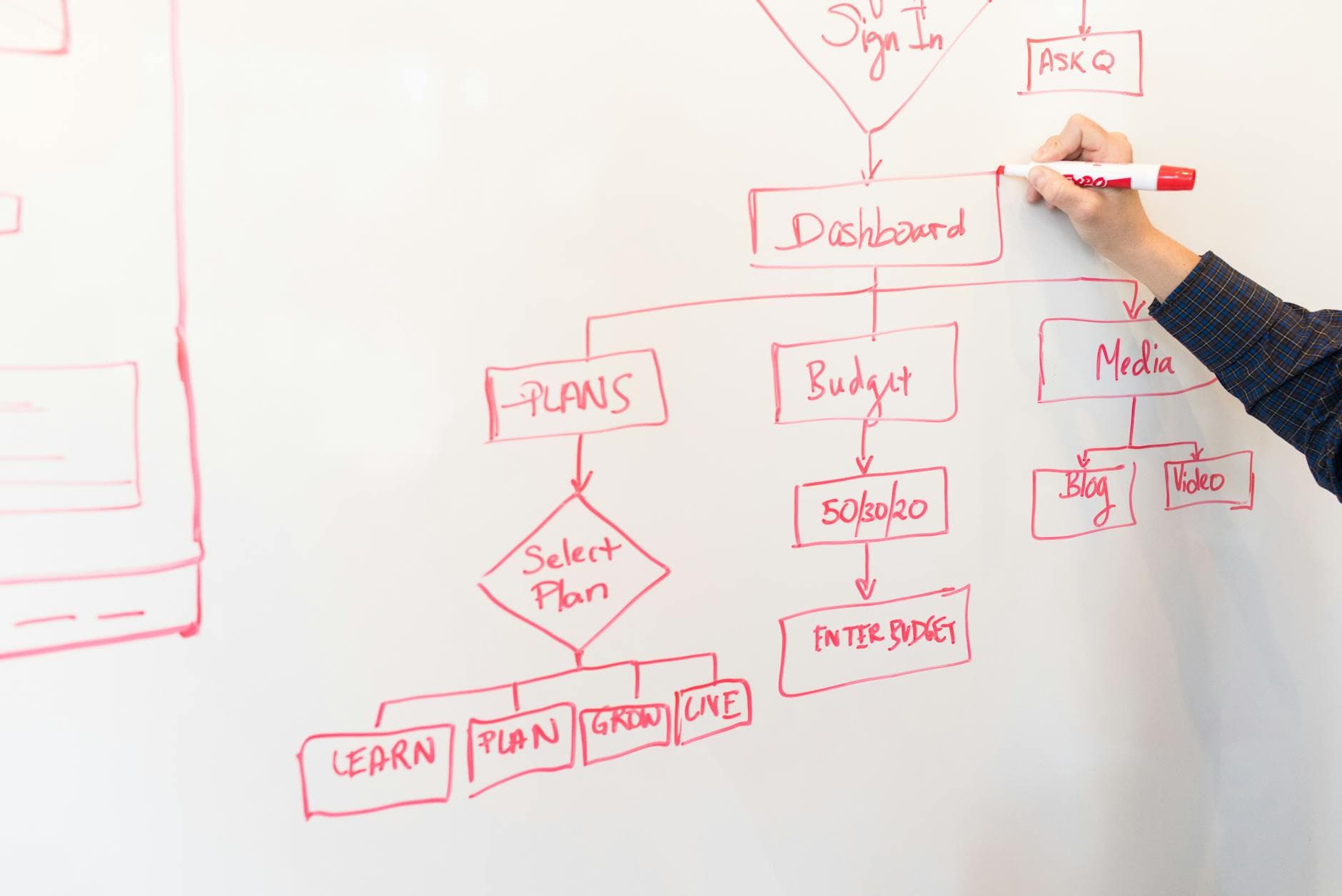
Workflow automation pricing is all over the map. You'll find options from $20/month to $200,000+ projects. Understanding what drives these differences helps you budget appropriately and avoid overpaying for what you need.
This guide breaks down workflow automation costs by category, complexity, and implementation approach. For foundational concepts, start with our complete guide to workflow automation.
Tool Costs (Ongoing)
No-Code Automation Platforms
The tools that connect your apps and run workflows:
Zapier
- Free: 100 tasks/month, 5 Zaps
- Starter: $29.99/month (750 tasks)
- Professional: $73.50/month (2,000 tasks)
- Team: $103.50/user/month (50,000 shared tasks)
Make (Integromat)
- Free: 1,000 operations/month
- Core: $10.59/month (10,000 ops)
- Pro: $18.82/month (10,000 ops + advanced features)
- Teams: $34.12/user/month
n8n
- Self-hosted: Free (server costs only)
- Cloud Starter: $20/month (2,500 executions)
- Cloud Pro: $50/month (10,000 executions)
AI and ML Add-ons
If workflows include AI processing:
- OpenAI API: $0.002-$0.06/1K tokens (varies by model)
- Claude API: Similar pricing to OpenAI
- AI features in platforms: Often $20-$100/month additional
Estimated Monthly Tool Costs
| Usage Level | Zapier | Make | n8n Cloud |
|---|---|---|---|
| Light (500 tasks) | $30 | $0-11 | $20 |
| Moderate (5,000 tasks) | $74+ | $19 | $20 |
| Heavy (20,000 tasks) | $200+ | $34 | $50 |
| Very Heavy (100,000 tasks) | $600+ | $100+ | $100+ |
Make and n8n become dramatically cheaper at scale. For help choosing the right platform, see our guide on the best automation tools for small business.
Implementation Costs (One-Time)
DIY Implementation
Your time has value. Calculate honestly:
- Learning time: 10-40 hours for new users
- Building time: 2-40 hours per workflow (complexity dependent)
- Testing time: 1-10 hours per workflow
- Documentation time: 1-4 hours per workflow
At $50/hour equivalent value:
- Simple workflow: $150-$400 in time
- Medium workflow: $500-$1,500 in time
- Complex workflow: $2,000-$5,000 in time
Freelancer Implementation
Hiring someone to build it:
| Complexity | Hours | Rate Range | Total |
|---|---|---|---|
| Simple | 3-8 | $50-$150/hr | $150-$1,200 |
| Medium | 8-20 | $75-$150/hr | $600-$3,000 |
| Complex | 20-50 | $100-$200/hr | $2,000-$10,000 |
Agency Implementation
Full-service professional work:
| Complexity | Typical Range |
|---|---|
| Simple | $1,500-$4,000 |
| Medium | $4,000-$12,000 |
| Complex | $10,000-$30,000 |
| Enterprise | $25,000-$100,000+ |
Cost by Workflow Type
Email and Communication Workflows
Automating email sequences, notifications, and communication:
Examples:
- Welcome email sequence
- Internal notifications
- Follow-up reminders
Costs:
- DIY: $30/month tools + 5-10 hours setup
- Freelancer: $500-$2,000
- Agency: $2,000-$6,000
Data Sync and Integration Workflows
Keeping data consistent across systems:
Examples:
- CRM to accounting sync
- Order data distribution
- Customer data updates
Costs:
- DIY: $50/month tools + 10-20 hours setup
- Freelancer: $1,000-$4,000
- Agency: $4,000-$12,000
Sales and CRM Workflows
Automating sales processes:
Examples:
- Lead routing and assignment
- Deal stage updates
- Quote and proposal automation
Costs:
- DIY: $50-$100/month tools + 15-30 hours setup
- Freelancer: $1,500-$5,000
- Agency: $5,000-$15,000
Customer Support Workflows
Automating support processes:
Examples:
- Ticket routing and triage
- Auto-responses and deflection
- Escalation workflows
Costs:
- DIY: $50-$150/month tools + 15-40 hours setup
- Freelancer: $2,000-$6,000
- Agency: $6,000-$20,000
Finance and Operations Workflows
Automating back-office processes:
Examples:
- Invoice processing
- Expense approval
- Reporting automation
Costs:
- DIY: $50-$100/month tools + 20-40 hours setup
- Freelancer: $2,500-$7,000
- Agency: $8,000-$25,000
AI-Enhanced Workflows
Workflows with AI processing:
Examples:
- Content classification
- Document summarization
- Intelligent routing
Costs:
- DIY: $100-$200/month tools + 20-50 hours setup
- Freelancer: $3,000-$8,000
- Agency: $10,000-$35,000
Total Cost of Ownership
Don't just look at implementation. Consider full costs over time.
Year 1 Costs
| Approach | Implementation | Tools (12 mo) | Maintenance | Total |
|---|---|---|---|---|
| DIY Simple | $500 (time) | $360 | $300 (time) | $1,160 |
| DIY Medium | $1,500 (time) | $600 | $600 (time) | $2,700 |
| Freelancer Simple | $1,000 | $360 | $500 | $1,860 |
| Freelancer Medium | $3,000 | $600 | $1,000 | $4,600 |
| Agency Simple | $3,000 | $360 | $1,200 | $4,560 |
| Agency Medium | $10,000 | $600 | $2,400 | $13,000 |
Years 2-3 Costs
After initial implementation:
- Tool costs: Continue monthly
- Maintenance: 15-25% of implementation cost annually
- Updates: As needs change
DIY has lowest ongoing costs if you maintain it yourself. Agency/freelancer maintenance adds up.
Factors That Increase Cost
Number of Systems
Each additional system adds complexity:
- 2 systems: Baseline pricing
- 3-5 systems: +25-50%
- 6-10 systems: +50-100%
- 10+ systems: Custom pricing
Data Complexity
Complex data handling increases cost:
- Simple field mapping: Baseline
- Data transformation: +20-40%
- Complex parsing/extraction: +30-60%
- AI processing: +50-100%
Error Handling Requirements
More robust error handling:
- Basic (notify on failure): Baseline
- Retry logic: +10-20%
- Custom error routes: +20-40%
- Full resilience: +40-60%
Compliance and Security
Regulated industries:
- Basic security: Baseline
- Data encryption requirements: +10-25%
- Audit logging: +15-30%
- Compliance documentation: +20-40%
Timeline Pressure
Rush projects cost more:
- Normal timeline: Baseline
- Fast (50% faster): +25-40%
- Urgent (75% faster): +50-75%
Getting Good Pricing
Compare Options Properly
Make sure quotes cover the same scope:
- What's included vs excluded
- Support terms
- Documentation
- Training
Negotiate on Value, Not Just Price
Sometimes higher price = better value:
- Better architecture = lower maintenance
- Proper documentation = easier changes
- Good support = faster problem resolution
Start Small
Test the relationship with a smaller project:
- Evaluate quality
- Understand working style
- Reduce risk on larger investment
Ask About Package Deals
For multiple workflows:
- Bundle pricing often available
- Long-term relationships can reduce rates
- Maintenance packages spread costs
Making the Budget Decision
Calculate Potential Savings
Before setting budget, estimate value:
- Hours saved per month × hourly cost
- Error reduction value
- Speed improvements
- Scalability value
Set Budget Based on ROI
If automation saves $2,000/month:
- $5,000 implementation = 2.5 month payback
- $10,000 implementation = 5 month payback
- $20,000 implementation = 10 month payback
All reasonable depending on complexity and reliability needs.
Match Investment to Stakes
Higher stakes justify higher investment:
- Convenience automation: Budget tier
- Efficiency automation: Mid tier
- Business-critical automation: Premium tier
- Competitive advantage: Full investment
Budget Templates
Starter Budget ($1,000-$3,000)
- Focus: One or two simple workflows
- Approach: DIY or freelancer
- Tools: Free or starter tiers
- Maintenance: Self-service
Growth Budget ($5,000-$15,000)
- Focus: Department-level automation
- Approach: Freelancer or small agency
- Tools: Professional tiers
- Maintenance: Some external support
Transformation Budget ($20,000-$50,000)
- Focus: Multi-department automation
- Approach: Agency partnership
- Tools: Team/enterprise tiers
- Maintenance: Ongoing support contract
Ready to budget your workflow automation? Contact Automiva for assessment or read about AI automation services cost.