AI Assistant for Customer Support: What It Does + How to Deploy
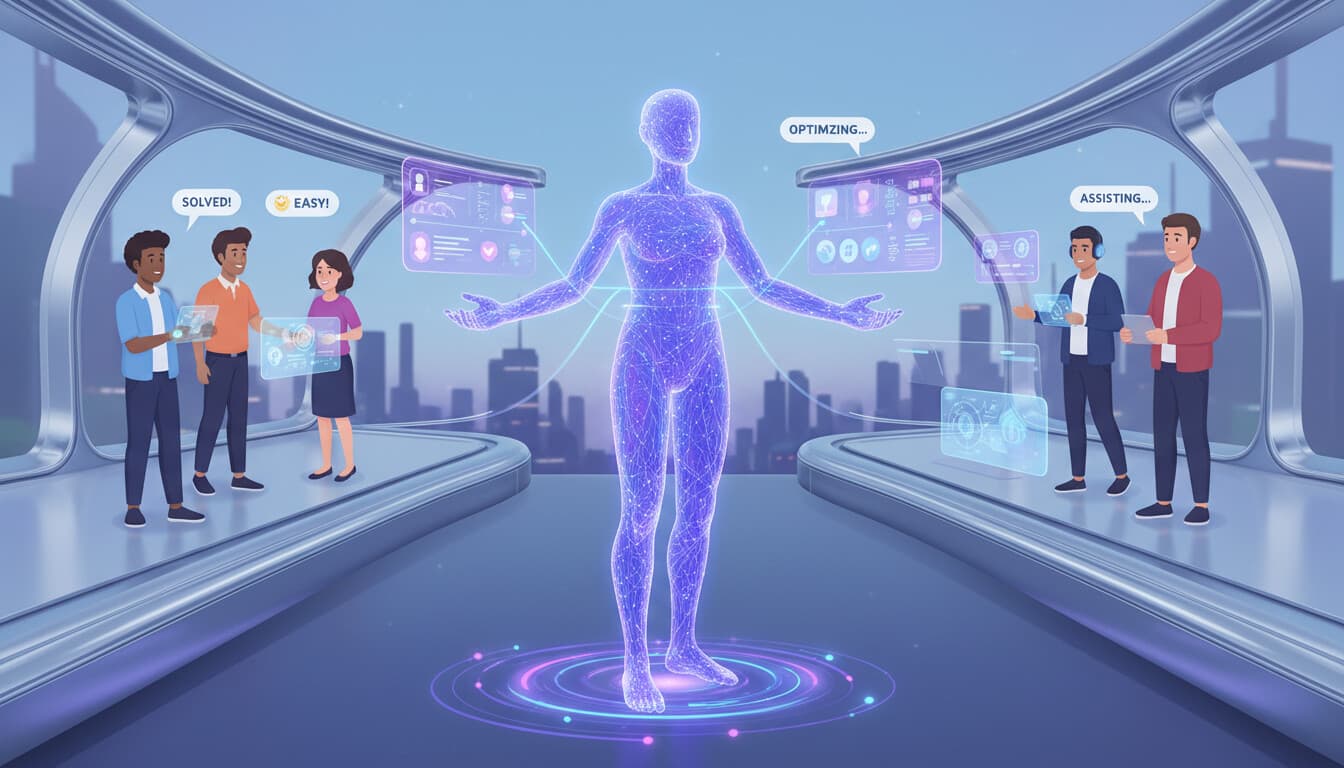
"AI assistant" and "chatbot" get used interchangeably, but they're not quite the same thing. Understanding the difference matters when you're deciding what to implement for customer support.
A chatbot handles customer conversations. An AI assistant is broader: it can handle conversations but also assists your support team, automates backend tasks, and works across multiple channels and functions.
This guide covers what AI assistants for customer support actually do and how to deploy one effectively. For broader automation strategies, see our customer support automation guide.
What an AI Assistant Does vs. a Chatbot
A chatbot is customer-facing. It talks to customers, answers questions, and handles requests through conversation.
An AI assistant does that and more. It works behind the scenes too.
Customer-Facing Functions
Like a chatbot, the AI assistant handles direct customer interactions. It answers questions through chat or messaging, processes requests like returns or account changes, gathers information and routes complex issues, and provides 24/7 availability for common needs.
Agent-Facing Functions
This is where assistants go beyond chatbots. The AI helps your support team work faster and better by suggesting responses based on the conversation and history, pulling relevant information automatically (past tickets, account details, similar cases), drafting replies that agents can review and customize, summarizing long conversations so agents don't have to read everything, and flagging important details that might be missed.
Backend Automation
The AI also handles work that doesn't involve direct conversation. It categorizes and routes incoming tickets automatically, updates CRM and other systems with interaction data, generates reports and identifies patterns, monitors for escalation triggers and SLA risks, and processes routine transactions without human involvement.
Multi-Channel Coordination
Unlike a chatbot on your website, an AI assistant can work across all customer touchpoints: email, chat, social media, phone (with voice AI), and messaging apps. It maintains context across channels so customers don't repeat themselves.
The Business Case for AI Assistants
Why invest in an AI assistant rather than just a chatbot or traditional support tools?
Efficiency Gains
The combination of customer-facing automation and agent assistance multiplies impact. Direct deflection (customers served without human involvement) plus agent acceleration (humans working faster with AI help) compound.
Typical results: 40-60% of inquiries resolved by AI directly. Remaining inquiries handled 30-50% faster with agent assist. Total efficiency improvement often 50-70%.
Consistency
AI assistants provide consistent experiences that humans can't match at scale. Every customer gets the same quality of service. Information is always accurate and current (assuming you keep it updated). Policies are applied uniformly.
Availability
24/7 coverage without staffing costs. The AI assistant handles inquiries whenever they arrive. Complex issues get queued for humans during business hours with full context preserved.
Scalability
Support volume spikes (seasonal peaks, product launches, incidents) don't require proportional staff increases. The AI assistant absorbs variable demand.
Data and Insights
Every interaction generates data. AI assistants can analyze this at scale, identifying trends, emerging issues, and improvement opportunities that humans would miss in the volume.
Deployment Guide: Step by Step
Deploying an AI assistant is more involved than adding a simple chatbot. Here's the practical path.
Phase 1: Foundation (Weeks 1-3)
Define scope and goals. What do you want the AI assistant to handle? Start focused. Define success metrics: resolution rate, handling time, customer satisfaction, cost per contact.
Audit current state. Document your current support processes. Analyze ticket data to understand inquiry types, volumes, and complexity distribution. Identify what can realistically be automated.
Content preparation. The AI assistant needs accurate information to work from. Audit and update your knowledge base. Document policies, procedures, and common scenarios. Create training data from historical tickets.
Technology assessment. What systems need to integrate? CRM, help desk, order management, billing, and so on. Evaluate integration complexity.
Phase 2: Platform Selection (Weeks 2-4)
Evaluate options based on your needs. Key considerations include AI quality (some platforms are significantly better than others), integration capabilities with your existing systems, channel support (which touchpoints do you need?), agent assist features (not just customer-facing), and pricing model and total cost.
Run proof of concept. Most platforms offer trials. Test with real scenarios from your business. Involve your support team in evaluation.
Select and contract. Choose based on proof of concept results, not just demos.
Phase 3: Configuration and Integration (Weeks 4-8)
Basic setup. Configure the platform. Set up user accounts, roles, and permissions. Establish workflows and routing rules.
Knowledge integration. Connect your knowledge base. Train the AI on your specific content. Test comprehension and response quality.
System integration. Connect to CRM, order systems, billing, and other data sources. This is often the most time-consuming step. Test data flows thoroughly.
Conversation design. Design how the AI handles different scenarios. Create conversation flows for common use cases. Define escalation paths and handoff procedures.
Phase 4: Training and Testing (Weeks 6-10)
AI training. Feed historical conversations to improve understanding. Refine responses based on your brand voice. Iterate on areas where performance is weak.
Team training. Train support agents on the new tools. Cover how agent assist features work, when to intervene with AI conversations, and how to provide feedback for improvement.
Testing. Comprehensive testing across all functions. Happy path scenarios. Edge cases. Failure scenarios. Volume testing. User acceptance testing with real agents.
Phase 5: Launch (Weeks 8-12)
Soft launch. Deploy to a limited scope first. Maybe certain hours, certain inquiry types, or a percentage of traffic. Monitor closely.
Monitor and adjust. Watch performance metrics daily. Review conversations where AI struggled. Iterate quickly based on findings.
Expand gradually. As confidence builds, expand scope. More hours, more inquiry types, more traffic. Continue monitoring.
Full deployment. Once performance is validated, move to full deployment. But never stop monitoring and improving.
Phase 6: Optimization (Ongoing)
Continuous improvement. AI assistants get better over time if you invest in improvement. Review performance regularly, add handling for new question types, update content when things change, and retrain on new successful interactions.
Expansion. Once core use cases are stable, consider expanding scope. Additional channels, additional functions, additional integrations.
Common Deployment Challenges
Integration Complexity
Connecting to existing systems is consistently the hardest part. APIs may be limited or poorly documented. Data may be in unexpected formats. Legacy systems may require workarounds.
Mitigation: Assess integration early. Build extra time into project plans. Consider what's "must have" vs. "nice to have" for initial deployment.
Content Gaps
AI assistants can only know what you teach them. Many organizations discover their knowledge bases are incomplete, outdated, or inconsistent.
Mitigation: Audit content before deployment. Identify gaps early. Assign resources to content creation and maintenance.
Change Management
Support teams may resist AI that they see as threatening their jobs or making them less important. Poorly managed change leads to undermining the implementation.
Mitigation: Involve support teams early. Position AI as help, not replacement. Celebrate how it makes their jobs better. Address concerns directly.
Unrealistic Expectations
Executives who expect AI to immediately handle everything perfectly will be disappointed. AI assistants need time to learn and improve.
Mitigation: Set realistic expectations from the start. Define achievable metrics. Communicate that improvement happens over months, not days.
Maintenance Underestimation
AI assistants require ongoing attention. Content needs updating. Models need retraining. Performance needs monitoring. Organizations that don't plan for this see degradation over time.
Mitigation: Budget for ongoing maintenance. Assign ownership. Schedule regular review cycles.
Success Metrics to Track
Resolution rate: Percentage of inquiries fully resolved by AI without human involvement.
Agent productivity: Tickets per agent per day, average handle time, first contact resolution.
Customer satisfaction: CSAT for AI interactions and overall. Track separately to understand AI impact.
Cost per contact: Total support cost divided by total interactions. Should decrease as AI scales.
Escalation quality: When AI hands off to humans, is it at appropriate times with good context?
Time to resolution: How long from customer contact to resolution? Should decrease.
Content coverage: What percentage of inquiries does the AI have good answers for? Identifies training gaps.
Making the Investment Decision
AI assistants for customer support require real investment: platform costs, integration work, content preparation, training, and ongoing maintenance. Is it worth it?
For most businesses with meaningful support volume (200+ tickets monthly), the answer is yes. The efficiency gains, consistency improvements, and availability benefits typically deliver positive ROI within 6-12 months.
For smaller operations, simpler solutions (basic chatbot, improved self-service) may be more appropriate. Match the solution to your scale. For chatbot options specifically, see AI chatbot for business.
Getting Help
Deploying an AI assistant well requires expertise in both customer support operations and AI implementation. If you want help with any part of this, from evaluation through deployment and optimization, we can assist.
See how we approach these projects or contact us to discuss your situation. We'll tell you honestly whether an AI assistant is right for you and what realistic results look like.